The Pawscout Tag
Their profile, on the collar.
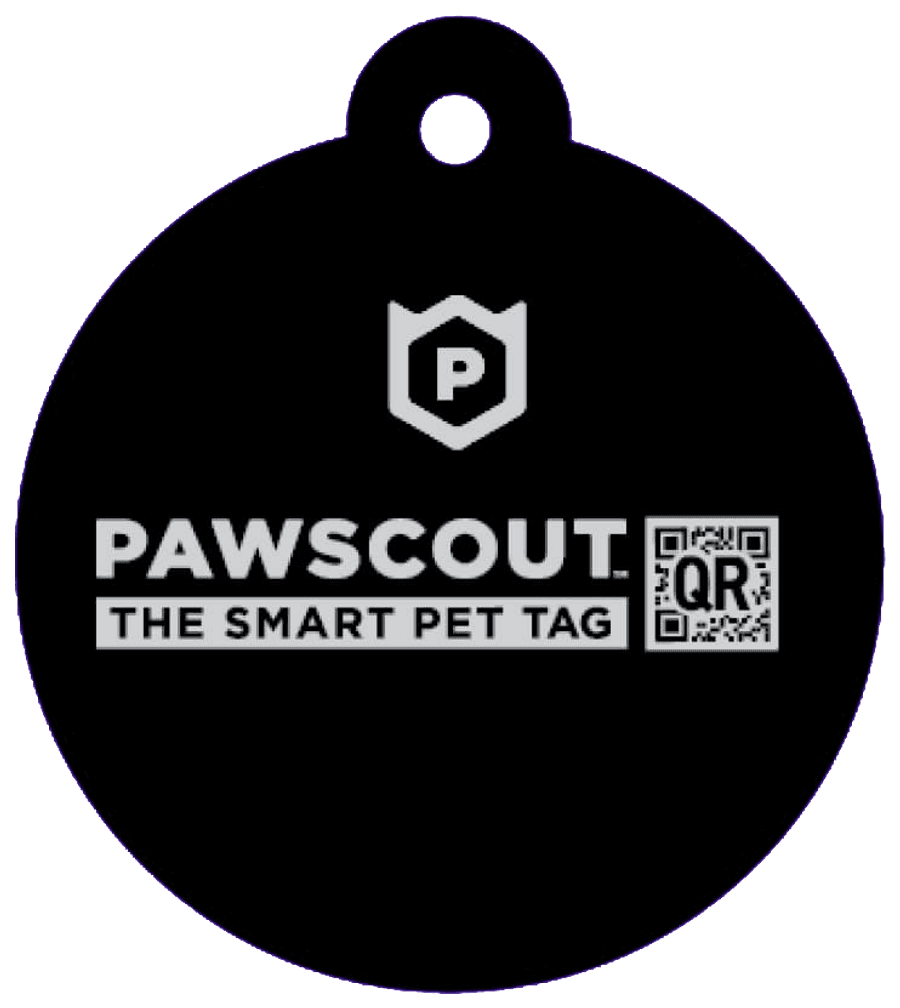
A durable QR tag that opens the same living rescue profile a shared link does — straight from the collar. Battery-free, never out of date, and entirely optional.
Ordering is by email for now — online checkout is coming soon.
Why add one
Your pet’s identity lives in their profile, with or without a Tag. Here’s what the Tag adds.
Collars get checked first
The first thing a stranger does is look at the collar. The Tag turns every phone camera on the street into a way to reach you — no app, no account, no typing.
Never out of date
An engraved tag dies the day you move or change numbers. The Tag opens your pet’s living profile, so one edit in the app is current on the collar, instantly, forever.
Nothing to charge
It’s a QR code on durable, pet-safe hard plastic. No battery, no Bluetooth, no radio — nothing to die at the worst possible moment.
What a scan does
One scan, and the right things happen
The Tag does exactly one job, and it does it without asking the finder for anything.
What is printed on it

7KQ2MD
A code and its QR — no name and no phone number on the collar. The profile decides what to share.
Sample — scan it. A real Tag opens the pet’s profile.
A finder scans it
Any phone camera reads the code and opens your pet’s rescue profile on the web — photo, the details you chose to share, one-tap ways to reach you.
You know right away
Pawscout sends you an email and a push notification the moment the profile is opened from a scan. No wondering whether anyone has seen them.
The finder stays anonymous
You see the time, the kind of device, and a rough location only if the finder chooses to share one. Never who they are, unless they reach out.
With Protect, every scan is kept
A full history with timestamps and map pins — even when a finder never leaves a message.
Set it up in a minute
- 1
Order the Tag and clip it to the collar.
- 2
In the free Pawscout app, open the Safety tab and choose “Add tag”.
- 3
Scan the code on the Tag with your camera. It’s connected to your pet’s profile — done.
The details
- Material
- Durable, pet-safe hard plastic
- Code
- A unique six-character code on every Tag
- Technology
- QR only — no battery, no Bluetooth, no NFC
- Works with
- Any phone camera; no app needed to scan
- Pets
- One pet at a time; reassign it any time
- Requires
- The free Pawscout app to connect it
Put their profile on the collar
Or start free without one — the profile, the Care Circle, and lost mode work the same either way. The Tag is there when you want the collar covered too.
Order nowStart free


Where this fits
One app does both jobs — every day, and the day it goes wrong. Everything below sits on top of it.
- The appFree
Their health record, an assistant that knows them, reminders, walks — and the identity that brings them home.
See the app - Pawscout ProtectSubscription
Readiness checks with real freshness windows, a full scan history, and Care Circle scope across every pet.
Explore Protect - The TagYou’re here
A durable QR tag that opens the same profile from the collar. No battery, and nothing their identity depends on.